5 Security Measures Your Small Business Can Put in Place This Week
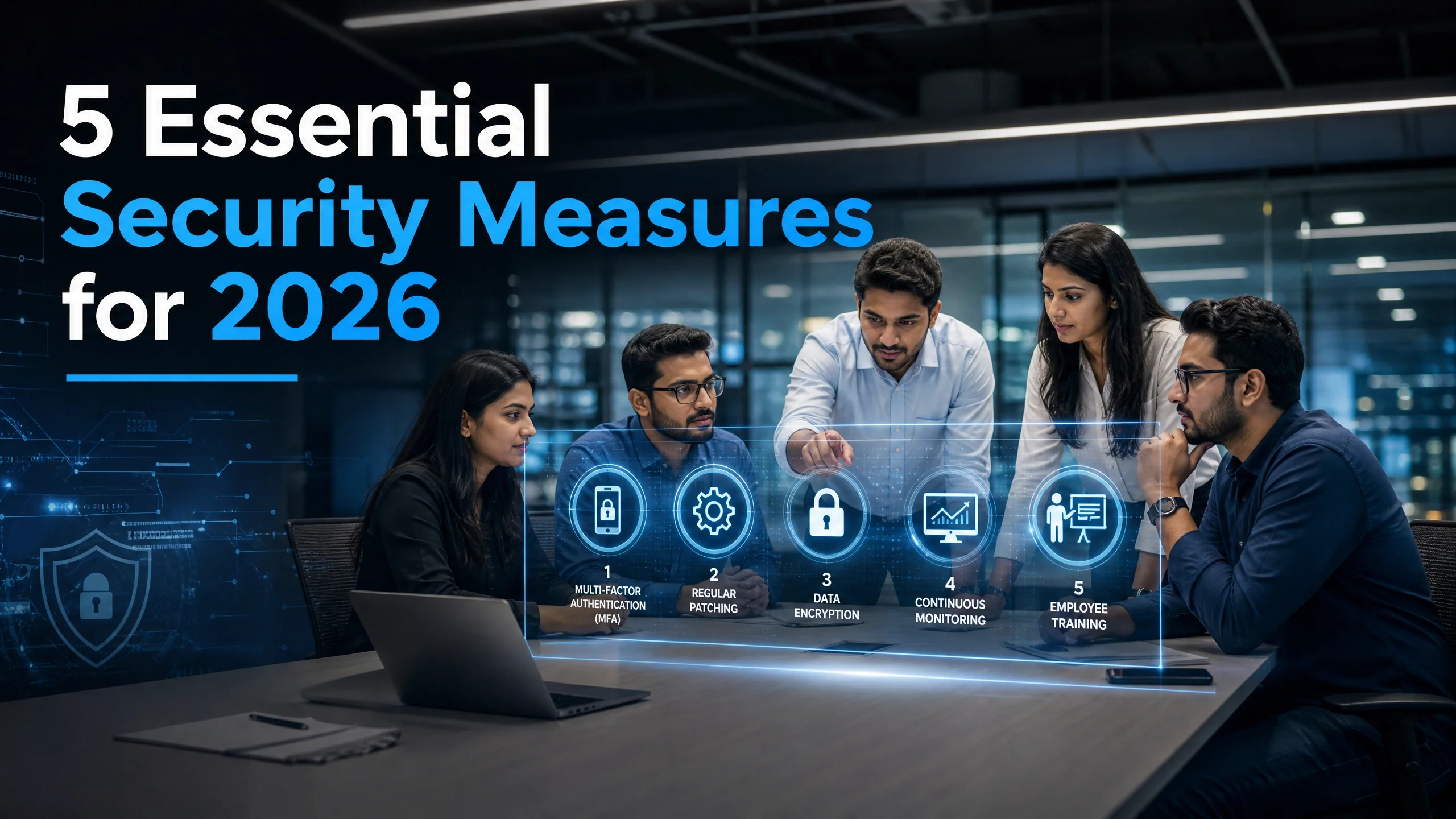
Most small businesses do not need a security budget to become a harder target. They need five habits, set up in a week, and kept up. None of these needs new software beyond what you probably already pay for.

💡 In Simple Terms (For Beginners)
Most small businesses do not need a security budget to become a harder target. They need five habits, set up in a week, and kept up. None of these needs new software beyond what you probably already pay for.
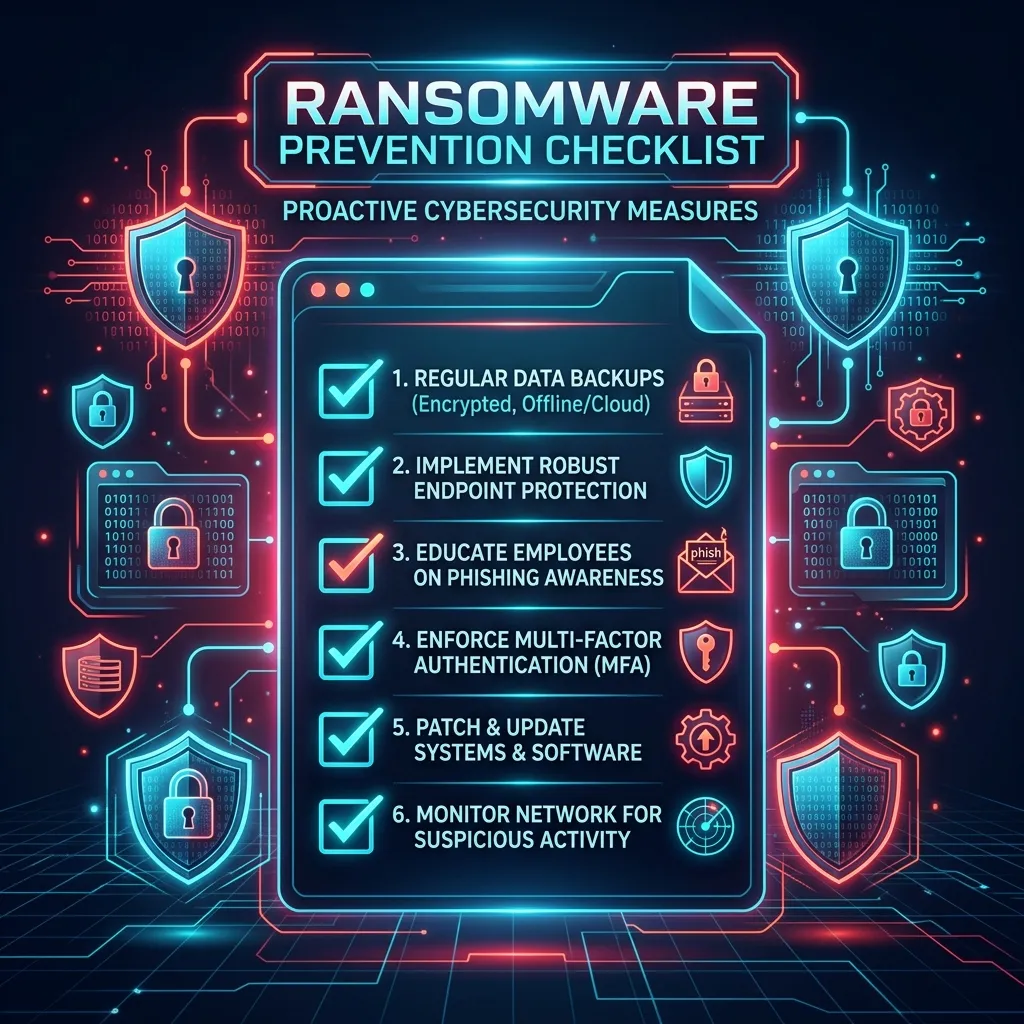
- Turn on multi-factor authentication for business email and WhatsApp first. Stolen passwords stop being enough.
- Keep three copies of your data on two kinds of storage, with one copy offline.
- Switch on automatic updates and retire software the vendor no longer supports.
- Teach staff to pause on urgent messages. Ten minutes of practice helps.
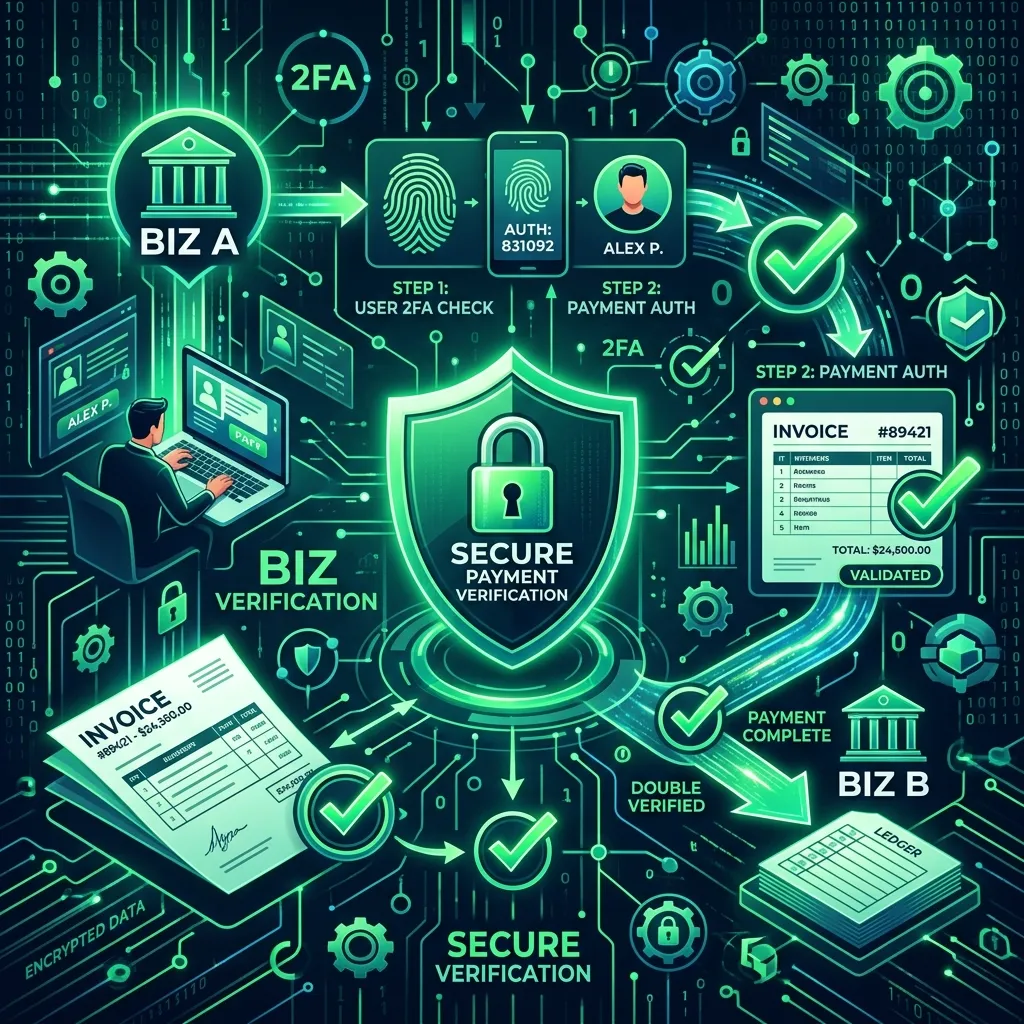
- Confirm any change to bank details by calling a number already saved in your records.
CYBERSECURITY TIPS · September 30, 2026 · 6 min read · By Hardik Patel
1. Turn on MFA for email and WhatsApp
Your business email is the master key. Password reset links for banking, GST, accounting software and cloud storage all land there. If an attacker gets into it, they can reach almost everything else.
Email. Turn on multi-factor authentication (MFA), also called two-step verification, for every mailbox in Google Workspace, Microsoft 365 or whatever service you use. Prefer an authenticator app over SMS codes where you can, because SMS codes can be diverted through SIM swap fraud. Start with the owner, the accounts team and anyone who can approve payments.
WhatsApp. In WhatsApp, go to Settings, then Account, then Two-step verification, and set a six-digit PIN. This stops someone who tricks you into sharing the SMS registration code from taking over your number. Never share that code with anyone, whatever the reason they give.
Time needed: about an hour for a small team.
2. Follow the 3-2-1 backup rule
The 3-2-1 rule is simple:
- 3 copies of your data (the working copy plus two backups)
- 2 different types of storage (for example a laptop and an external drive, or a drive and a cloud service)
- 1 copy kept offline or away from the office network
The offline copy matters most for ransomware. Malware that reaches your network will encrypt any drive that stays connected. A drive that sits in a drawer, or a cloud backup with versioning that lets you restore an older copy, survives.
Then do the step most businesses skip: restore one file from each backup this week. A backup you have never restored from is a guess. Put a quarterly reminder in the calendar.
Time needed: half a day to set up, ten minutes a quarter to test.
3. Update everything and retire what cannot be updated
Most attacks on small businesses use known flaws that already have a fix. The fix does nothing until someone installs it.
- Turn on automatic updates for Windows, browsers, Android and iPhones, and your accounting and billing software.
- Update the router and any CCTV recorder. These are often forgotten and often exposed to the internet. Change any default admin password on them.
- Replace software that no longer receives security updates. Microsoft ended support for Windows 10 on 14 October 2025, so any office PC still on it without a paid extended-update arrangement is not getting regular security fixes.
- Keep a list of what you run. You cannot patch what you have forgotten you own.
Time needed: one afternoon for the first pass, then automatic.
4. Run a phishing awareness session
Phishing works because it hits a busy person at a bad moment. A short session with real examples changes behaviour better than a policy nobody reads.
Gather the whole team for 30 minutes and cover these points:
- Look at the sender's actual address, not just the display name.
- Check where a link goes before you tap it, especially on mobile.
- Be wary of any message that mixes urgency with a request for a login, a code or a payment.
- Never open an .apk file sent over WhatsApp or SMS.
- Report a suspicious message straight away, even if you clicked. Nobody should be blamed for reporting. Speed matters more than pride.
Show two or three real-looking examples (mask any real names) and ask the team to point out the red flags. Repeat every few months. Our earlier post on spotting phishing in 30 seconds gives a five-check routine you can teach.
Time needed: 30 minutes, plus a quick refresher each quarter.
5. Verify payment changes by phone
Business email compromise and WhatsApp impersonation both end the same way: someone pays a real-looking request into a criminal's account. The fix is a rule, not a tool.
The rule: any new bank account, changed bank details or urgent, out-of-pattern payment request gets confirmed by a phone call to a number already saved in your records. Never use the number in the email or chat that made the request. Confirm through a different channel than the one the request came in on.
Add two supporting habits:
- Two people involved for payments above a limit you choose. One prepares, one approves.
- No exceptions for the boss. A director's request that skips the check is the exact case criminals imitate. See how to verify payment requests before sending money.
If money has already gone out, act at once. Call the National Cyber Crime Helpline on 1930 and report on cybercrime.gov.in, and tell your bank immediately. Speed improves the chance that funds can be held.
Time needed: ten minutes to agree the rule, a few minutes per payment.
Key takeaways
- Protect email and WhatsApp with MFA before anything else.
- Three copies, two storage types, one offline, and test a restore.
- Automatic updates on, unsupported software out.
- Practise spotting phishing with the whole team, not on a policy page.
- A phone call to a saved number stops most payment fraud.
Frequently asked questions
Q: Is MFA by SMS good enough?
A: It is better than a password alone, but an authenticator app is stronger because SMS codes can be intercepted through SIM swap. Use the app where the service allows it.
Q: Do we still need backups if we use Google Drive or OneDrive?
A: Yes. Sync is not backup. If ransomware encrypts a synced folder, the encrypted files may sync too. Use versioning and keep one copy that is not continuously connected.
Q: How often should staff be trained on phishing?
A: A full session at least once a year, with short refreshers every quarter, and a fresh session whenever a new person joins.
Q: What should we do if an employee clicked a suspicious link?
A: Disconnect the device from the network, change the passwords used on it from another device, tell whoever manages your IT, and report a serious incident to CERT-In, whose 2022 directions ask for reporting within six hours of noticing it. For financial loss, call 1930.
Q: Will these five steps make us secure?
A: They will make you a much harder target for opportunistic attacks. They are a foundation. A vulnerability assessment shows what else needs attention for your particular setup.
How iTechFixr can help
Steps 4 and 5 stick best when staff practise them together. iTechFixr Infotech LLP runs security awareness training with live phishing demonstrations built around your team's roles. If you would like an outside view of what an attacker can reach in your systems, see our cybersecurity audit and VAPT service.
Need Help With This?
Talk to Hardik directly about your organisation's cybersecurity needs — get a tailored response within 24 hours.