The Cheapest Way for a Small Business in India to Add MFA
You don't need an enterprise SSO budget to add real MFA protection — here's the lowest-cost, practical path for a small Indian business to roll it out this week.

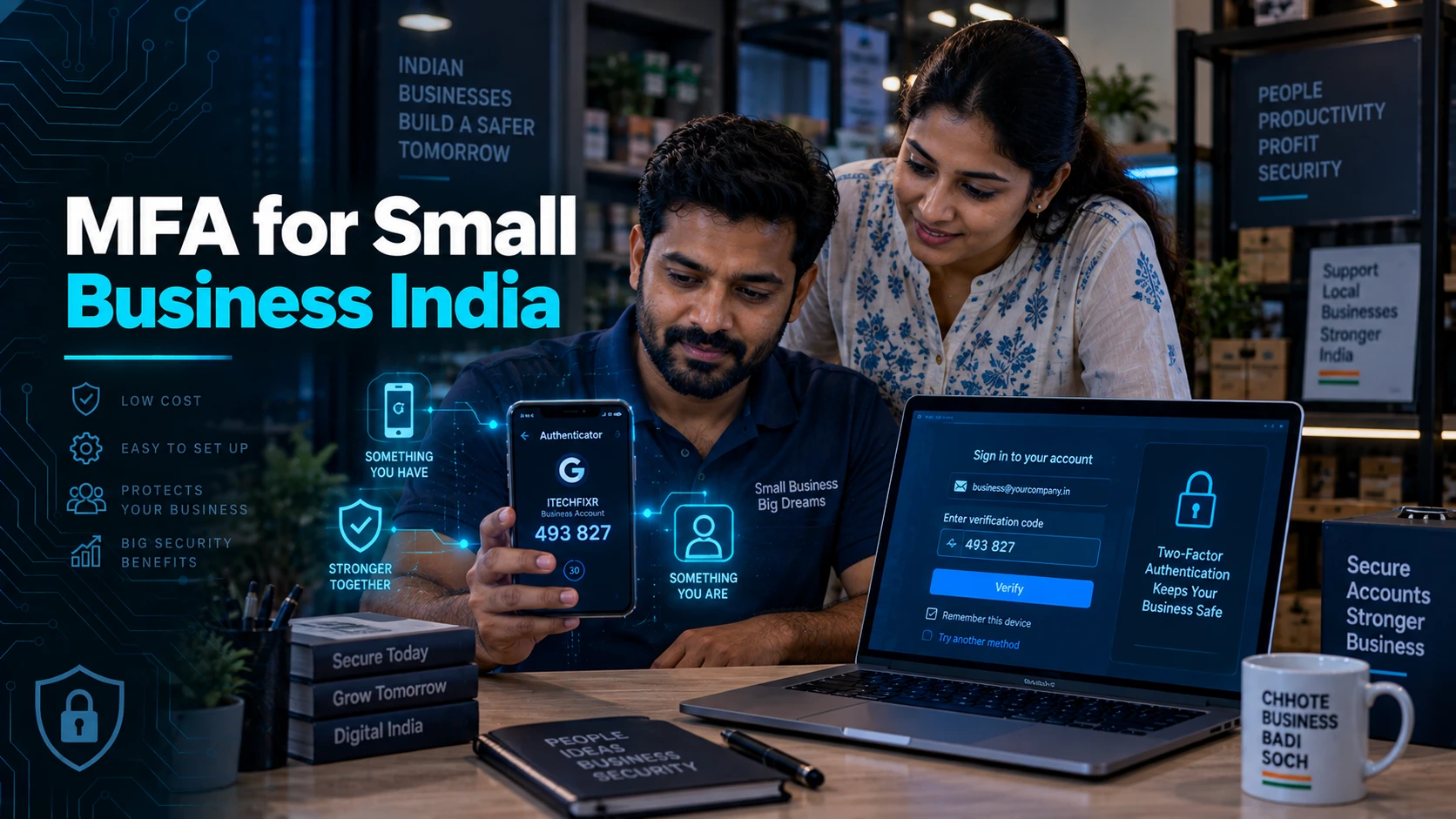
💡 In Simple Terms (For Beginners)
MFA (multi-factor authentication) means needing more than just a password to log in — usually a code from your phone too. Most business email and accounting tools already include this for free; you just need to turn it on.
- Most small businesses already own MFA-capable tools (Google Workspace, Microsoft 365, free authenticator apps) — the cost is usually zero.
- The real barrier is rollout friction, not price — a short, staged plan removes most resistance.
- Prioritise email and financial-system logins first — they carry the highest impact if compromised.
CYBERSECURITY TIPS · September 9, 2026 · 6 min read · By Hardik Patel
What is the cheapest way for a small business to add MFA in India? For most small businesses, the cheapest way to add MFA is free — Google Workspace, Microsoft 365, and most banking and accounting portals already include MFA at no extra cost, and a free authenticator app covers everything else.
What MFA Actually Costs in Practice
MFA typically costs nothing extra for a small business, because it's already built into the tools most businesses already pay for — Google Workspace, Microsoft 365, most Indian banking portals, and free authenticator apps like Google Authenticator or Microsoft Authenticator all support it without an upgrade.
The perception that MFA requires an enterprise SSO platform or a dedicated security budget is the single biggest reason small businesses delay turning it on — in practice, the rollout cost is almost entirely time, not money.
Where to Turn It On First
Email, banking, and accounting logins should be the first systems enabled for MFA, because they carry the highest impact if a single password is compromised — a breached email account is often the key that unlocks every other system linked to it.
- Business email (Google Workspace / Microsoft 365 admin console — enable org-wide, not per-user opt-in)
- Business banking and payment portals
- Accounting software (Tally, Zoho Books, QuickBooks) admin logins
- Any remote access tool (VPN, RDP, TeamViewer/AnyDesk)
A Simple Rollout Plan for a 10-30 Person Team
A practical rollout plan for a small team takes about a week: enable MFA org-wide on email first, give staff a short walkthrough of installing an authenticator app, extend to financial and remote-access systems next, then confirm every account actually has it active rather than assuming the org-wide setting caught everyone.
Enforcing MFA at the admin console level, rather than asking individual employees to opt in, removes the single biggest failure point — an employee who never gets around to enabling it themselves.
Handling the Pushback
The most common employee pushback is "it's an extra step every time I log in" — in practice, most MFA methods only re-prompt periodically on a trusted device, not on every single login, once initial setup is done.
Framing it clearly — this protects the business, and by extension their own job, from a single stolen password causing a real incident — tends to resolve resistance faster than a purely mandatory-compliance framing.
Key Takeaways
- MFA is usually already included in tools a small business already pays for — the real cost is rollout time, not licensing.
- Email, banking, and accounting logins should be enabled first — they carry the highest breach impact.
- Org-wide enforcement beats individual opt-in for actual coverage.
- Most pushback is about perceived friction, which framing and a short walkthrough usually resolves.
Frequently Asked Questions
Q: Does MFA really cost nothing for a small business?
A: In most cases, yes — MFA is included in Google Workspace, Microsoft 365, most banking portals, and free authenticator apps. A cost only appears if a business wants advanced hardware security keys or enterprise SSO, which most small businesses don't need to start.
Q: Which system should get MFA first if we can only do one this week?
A: Business email — it's usually the account that can reset passwords for everything else, making it the highest-impact single system to protect first.
Q: Is SMS-based MFA good enough, or do we need an authenticator app?
A: An authenticator app is generally more secure than SMS, since SMS can be intercepted through SIM-swap fraud — but SMS-based MFA is still meaningfully better than no MFA at all if it's the fastest option to roll out today.
How iTechFixr Can Help
Our VAPT audits check MFA coverage across every system that should have it, and our Human Firewall training includes the exact rollout walkthrough that gets staff actually using it, not just aware of it.
Need Help With This?
Talk to Hardik directly about your organisation's cybersecurity needs — get a tailored response within 24 hours.