What Actually Happens During a Company Phishing Simulation Test?
A phishing simulation sends realistic fake phishing emails to your own team to measure and improve real click-rate risk — here's exactly how one runs.

💡 In Simple Terms (For Beginners)
A phishing simulation sends a safe, fake phishing email to your own employees to see who clicks it — not to punish anyone, but to find out where real training is actually needed.
- A phishing simulation is a controlled, safe test — no real data or systems are ever at risk.
- The goal is measurement and training, not identifying individuals to blame.
- Results establish a baseline click rate that a training program can then measurably improve.
HUMAN FIREWALL · October 7, 2026 · 6 min read · By Hardik Patel
What happens during a company phishing simulation test? A phishing simulation sends a realistic but completely safe fake phishing email to employees, tracks who clicks or enters information, and uses the results — without blame — to target follow-up training where it's actually needed.
How a Simulation Actually Runs
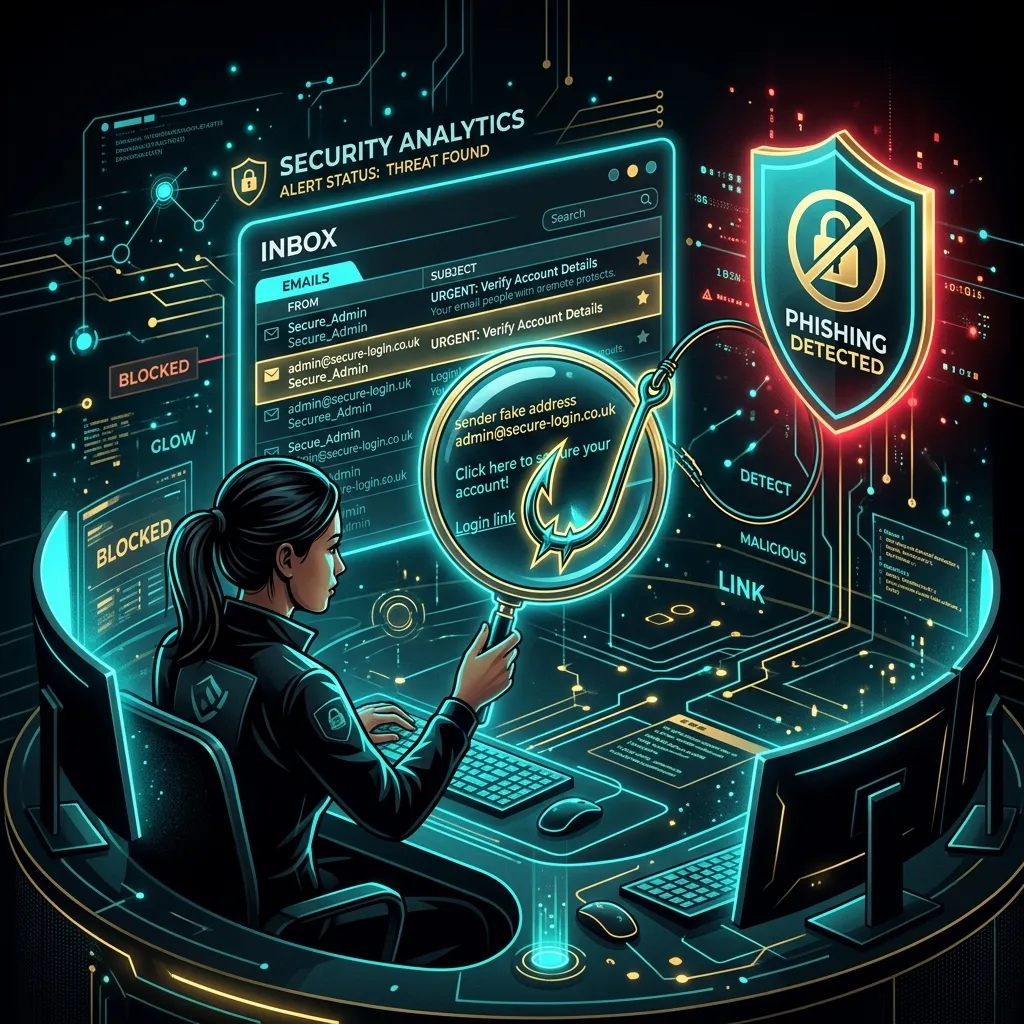
A phishing simulation begins with a realistic email crafted to resemble a genuine threat — a fake password reset, a spoofed invoice, an urgent internal notice — sent to some or all employees without advance warning of the exact timing, then tracks who opens it, clicks a link, or enters credentials on a safe landing page.
No real credentials, data, or systems are ever actually at risk — the entire exercise runs in a controlled environment specifically built to look convincing without being harmful.
Why No Advance Warning Matters
A simulation only measures real-world behaviour if employees don't know exactly when it's happening — advance warning of the specific date would produce artificially cautious behaviour that doesn't reflect how the team would actually respond to a real attack.
This is why the exercise is announced in general terms ahead of time — "we'll be running phishing simulations periodically" — without revealing the exact date or the specific pretext used.
What Happens After Someone Clicks
An employee who clicks or enters information is shown an immediate, non-punitive learning moment explaining what red flags they missed — not a report to their manager or a mark against them, since the goal is behaviour change, not blame.
Aggregate results — overall click rate, which specific pretexts were most effective — inform targeted follow-up training, connecting directly to the broader Human Firewall program rather than being a standalone event.
Key Takeaways
- A phishing simulation is a fully controlled, safe exercise — no real risk to data or systems.
- No advance warning of exact timing is what makes the results actually meaningful.
- The goal is targeted training and measurable improvement, not blaming individuals.
Frequently Asked Questions
Q: Will employees who click get in trouble?
A: No — the exercise is designed as a learning moment, not a disciplinary one. Punitive framing tends to make employees hide mistakes rather than report suspicious emails, which works against the actual goal.
Q: How often should a business run phishing simulations?
A: Periodically, often quarterly, with varied pretexts each time — a single one-off test establishes a baseline, but repeated testing is what shows measurable improvement over time.
How iTechFixr Can Help
Phishing simulations are a core part of our Human Firewall Workshop, giving your business real, measured click-rate data before and after training rather than relying on assumptions about employee awareness.

Need Help With This?
Talk to Hardik directly about your organisation's cybersecurity needs — get a tailored response within 24 hours.