A School's Response After a Ransomware Attempt on Its Admin Systems
An education client caught a ransomware attempt on its student records server before encryption completed, and its IT team's first-hour response is a useful reference for any small organisation.

In Simple Terms (For Beginners)
Ransomware is malicious software that locks up a business's files and demands payment to unlock them. Catching it before it finishes encrypting files can mean the difference between a bad afternoon and a lost school term.
- A school's admin server showed early ransomware behaviour that its IT staff caught mid-attack rather than after the fact.
- Isolating the affected machine from the network within minutes stopped the encryption from spreading to backup-connected systems.
- The response worked because staff recognised warning signs and had a documented first step, not because of a single expensive tool.
CASE STUDY · September 8, 2026 · 6 min · By Hardik Patel
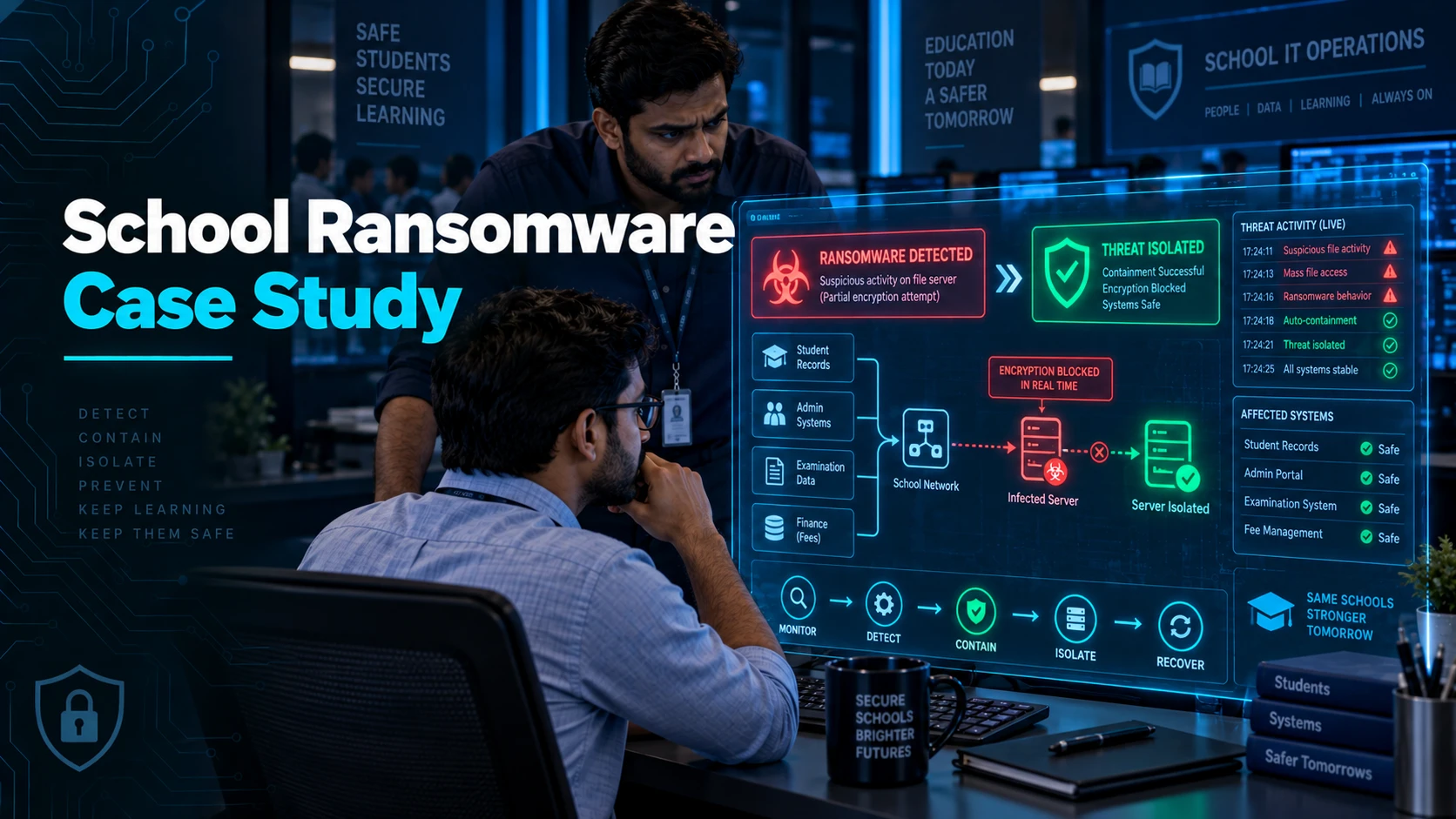
How did a school stop a ransomware attack before it finished? A staff member at an education client noticed the admin server was renaming files at an unusual rate mid-morning, unplugged the machine from the network within minutes, and that single action confined the encryption to a handful of folders instead of the full student records system.
What the Warning Signs Looked Like
The first sign wasn't a ransom note. It was a staff member noticing the shared drive felt slow and that file icons in one folder had changed to an unfamiliar extension while she was mid-task.
Ransomware typically works through a target's files methodically, encrypting them one at a time. That process takes time, and machines actively encrypting large volumes of files often behave sluggishly during the process.
Rather than restarting the machine or trying to open the affected files to see what was wrong, the staff member reported it immediately and left the machine as it was, which preserved evidence for the response team.
The First-Hour Response
The IT team's first action was physically disconnecting the affected machine's network cable, not shutting it down. A powered-off machine loses volatile data that can help identify how the attacker got in.
Next, they checked which network shares the machine had access to and confirmed those shares hadn't been touched, which told them the spread had likely been contained to local folders on that one machine.
Only after containment did the team start assessing scope: which files were affected, whether backups were current, and whether any data had left the network before the encryption began.
Why Backups Alone Aren't Enough
The school had backups, but so do many ransomware victims who still end up negotiating with attackers, because modern ransomware often targets backup systems directly if they're reachable from the infected machine.
In this case, backups were on a separate system with restricted write access from general network machines, which meant the attack couldn't reach and corrupt them even if the encryption had spread further.
The lesson for any small organisation is that a backup connected to the same network with the same access as everything else is a backup an attacker can also encrypt.
Key Takeaways
- Slow file access or unfamiliar file extensions on a shared drive can be an early ransomware signal, not just a performance glitch.
- Disconnecting an affected machine from the network, without powering it off, limits spread while preserving evidence.
- Backups need access restrictions separate from general network permissions to survive an attack that reaches the network they sit on.
Frequently Asked Questions
Q: Should we power off a machine we suspect is infected with ransomware?
A: Generally no — disconnect it from the network instead. Powering off can destroy information in memory that helps identify how the attacker got in and what else may be affected.
Q: How can a small organisation with no dedicated IT team prepare for this?
A: A short written checklist — disconnect network access, don't restart, call for help immediately, don't attempt to open or delete affected files — covers most of what mattered in this case and takes under an hour to prepare.
How iTechFixr Can Help
We help education and small-business clients build a first-hour incident response checklist their existing staff can follow without needing security expertise, along with reviewing backup access controls so a single infected machine can't reach and encrypt them. For staff and students, our Digital Safety Seminar covers spotting the phishing that usually starts these attempts.



Need Help With This?
Talk to Hardik directly about your organisation's cybersecurity needs — get a tailored response within 24 hours.