How to Learn Ethical Hacking Online in India: Why Practical Labs Matter (2026)
The best way to learn ethical hacking online in India is to run the attacks yourself on a lab you own, with a trainer who checks your work. Videos teach you the names of the tools. Labs teach you to use them.

- Watching videos builds vocabulary. Running attacks on your own lab builds skill.
- Kali Linux, Nmap, Wireshark, Burp Suite Community and DVWA or Metasploitable cost nothing.
- Test only systems you own or have written permission to test.
- Ask any course about its practical share, batch size, live or recorded format and trainer credentials.
ETHICAL HACKING · October 3, 2026 · 7 min read · By Hardik Patel
Why videos are not enough
You can watch forty hours of hacking videos and still freeze when you face a live target. The videos show a trainer typing commands on a machine that is already set up to work. Your own machine will throw errors, refuse a connection or return nothing useful, and you only learn to handle that by doing it yourself.
Hacking is a hands-on trade. A scan result means nothing until you can read it. A vulnerable login page teaches little until you have broken one and then fixed it. Interviewers know this, and they ask what you have done on a lab, not which videos you finished.
Videos still have a place. Use them to meet a topic for the first time, then close the player and repeat every step without looking.
What practical labs look like
A practical lab session has a clear shape. You get a target, a goal and a set of tools. Then you work through it in the same order a real tester would:
- Reconnaissance. Collect public information about the target.
- Scanning and enumeration. Find open ports, running services and versions.
- Gaining access. Use a weakness you found to get in.
- Reporting. Write what you found, how you found it and how to fix it.
The last step gets skipped most often, and it matters most at work. A tester who cannot explain a finding in plain words to a business owner does not get a second project. Write half a page after every lab. Ten honest write-ups on a GitHub page show an employer more than a course completion badge.
Free tools for your own lab
You do not need to pay for software to start. A laptop with 8 GB of RAM and VirtualBox or VMware is enough for a basic lab.
- Kali Linux. A free operating system that ships with most security tools installed. Run it as a virtual machine.
- Nmap. Scans a network and lists open ports and services. Learn this one first.
- Wireshark. Captures network traffic so you can see what a login or a DNS lookup looks like on the wire.
- Burp Suite Community Edition. Sits between your browser and a web app so you can read and change requests.
- DVWA and Metasploitable. Deliberately vulnerable targets. Run them on a private virtual network on your own machine, and never expose them to the internet.
Set up the lab yourself, even if it takes a weekend. Fixing a broken network adapter in a virtual machine teaches you more about networking than a chapter on it.
A simple weekly routine keeps the lab useful:
- Pick one topic, for example port scanning or SQL injection.
- Read about it for 30 minutes, then close the notes.
- Run it against your lab target until you can do it without looking.
- Change one thing, such as a flag or a payload, and see what breaks.
- Write your half-page note and save it.
Over a few months this routine gives you a folder of real work. It also shows you which topics you avoid, and those are the ones to practise next.
Beginners tend to repeat the same few mistakes. They jump to tools before they understand TCP and DNS. They collect certificates and skip the lab. They copy a command from a forum without reading what each flag does. Slow down on each of these. If you cannot explain why a command worked, run it again with the output in front of you and read every line.
The legal line
Test only systems you own or systems where the owner has given you written permission. Scanning or attacking anyone else's website, Wi-Fi or server can be an offence under the IT Act, 2000, even if you mean no harm and change nothing.
Keep your practice inside your lab, or on platforms built for it. When you start paid work, get the scope in writing before you run a single scan: which systems, which dates, which techniques.
How to pick an online course
Course pages all promise hands-on learning. Ask these questions before you pay anyone:
- What share of the course is practical? Ask for a number. Anything vague, such as "lots of labs", tells you little.
- How big is a batch? A trainer cannot check the work of 200 people on one call. Smaller batches get more attention on your screen.
- Is it live or recorded? Live sessions let you ask a question the moment you get stuck.
- Who is the trainer? Look for a current certification such as CEH and ask what real testing work they have done.
- Where do you practise? You should get a lab setup you can reach outside class hours.
Check each answer against what the course page says. A good provider answers these without hesitation.
A CEH roadmap in four steps
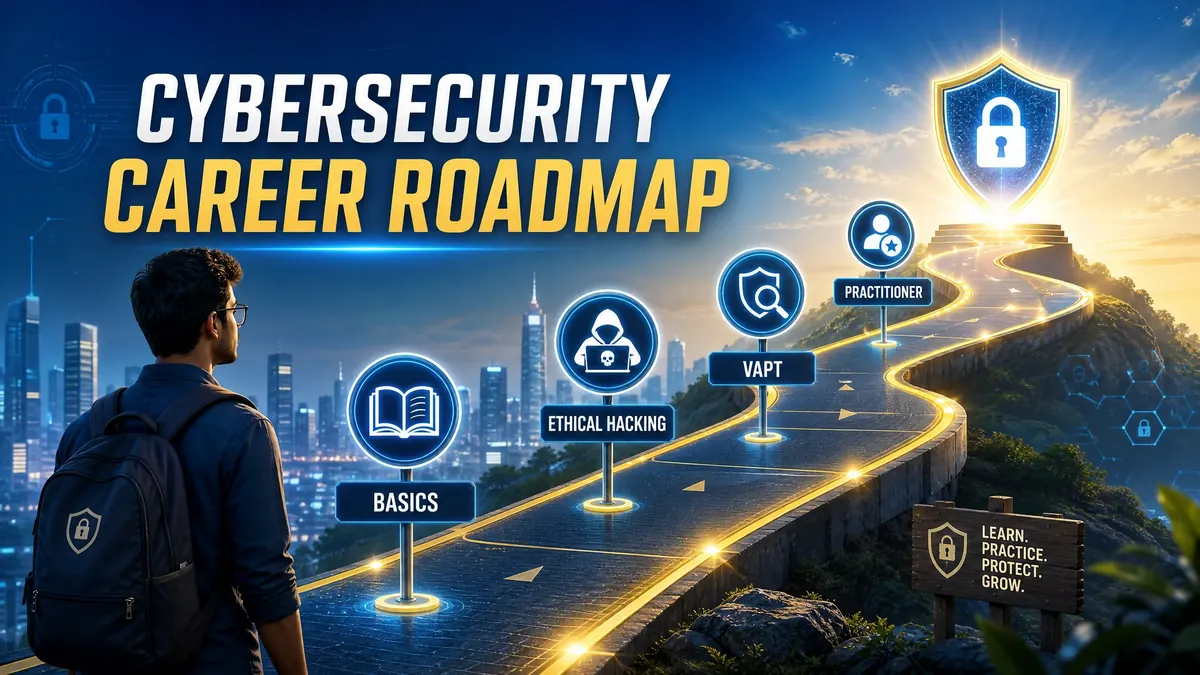
CEH (Certified Ethical Hacker) is issued by EC-Council. It covers attack techniques and tools across a wide range, and many Indian job listings name it. Here is a sensible order of study:
- Foundations. Networking, the Linux command line, Windows basics and how web apps work.
- Lab habit. Build your home lab and complete guided exercises every week, with a write-up each time.
- CEH preparation. Use the syllabus to organise what you already practised, then fill the gaps. Confirm the current exam format and eligibility on EC-Council's website.
- Portfolio and applications. Put your write-ups online and apply for analyst, support and junior VAPT roles.
Our CEH career roadmap goes through each stage, the entry roles and a planning timeline in more detail.
How iTechFixr teaches
iTechFixr Infotech LLP trains organisations, not individual enrolments. Colleges, universities and companies book CEH v13 AI training for their own students or employees. Here is how the course works:
- 42 hours of live training, with 70% practical lab work and 30% theory.
- Delivered online on Google Meet or Microsoft Teams, or at your campus or office.
- Batches of 25 to 90 participants, with a minimum of 15 arranged through the college or company.
- Your lead trainer is Hardik Patel, a CEH v12 holder.
- The EC-Council exam is separate and booked on its own. We do not promise job placement.
If you are a Training and Placement Officer, a Head of Department, or part of HR or L&D at a company, see the ethical hacking and CEH training page and contact us to plan a batch for your group.
Frequently asked questions
Q: Can I learn ethical hacking online without a computer science degree?
A: Yes. Employers and exam bodies care about what you can do. Start with networking and Linux basics, then move to labs. Check EC-Council's current eligibility rules if you plan to take the CEH exam.
Q: Which free tools should a beginner install first?
A: Kali Linux in a virtual machine, then Nmap, Wireshark and Burp Suite Community Edition. Add DVWA or Metasploitable as practice targets on the same private network.
Q: Is ethical hacking legal in India?
A: It is legal when you test systems you own or have written permission to test. Testing anyone else's system without permission can be an offence under the IT Act, 2000.
Q: How many hours a week should I spend on labs?
A: Plan for 8 to 10 hours a week. Keep at least half of that for hands-on work, and write a short note after each lab on what you tried and what you found.
Q: Is a live online course better than recorded videos?
A: A live course lets you ask questions while you are stuck, and a trainer can look at your screen. That is why iTechFixr delivers CEH training live only, and does not sell recorded sessions.

Need Help With This?
Talk to Hardik directly about your organisation's cybersecurity needs — get a tailored response within 24 hours.